How to Prepare Photos for the Hotel Lobby Rap Trend
The Hotel Lobby rap trend pairs two subjects at microphones in an orange studio. This article focuses on preparing the reference photos and the handoff between subjects. Third-party links on the homepage illustrate the format but do not prove this generator’s output.
On this page
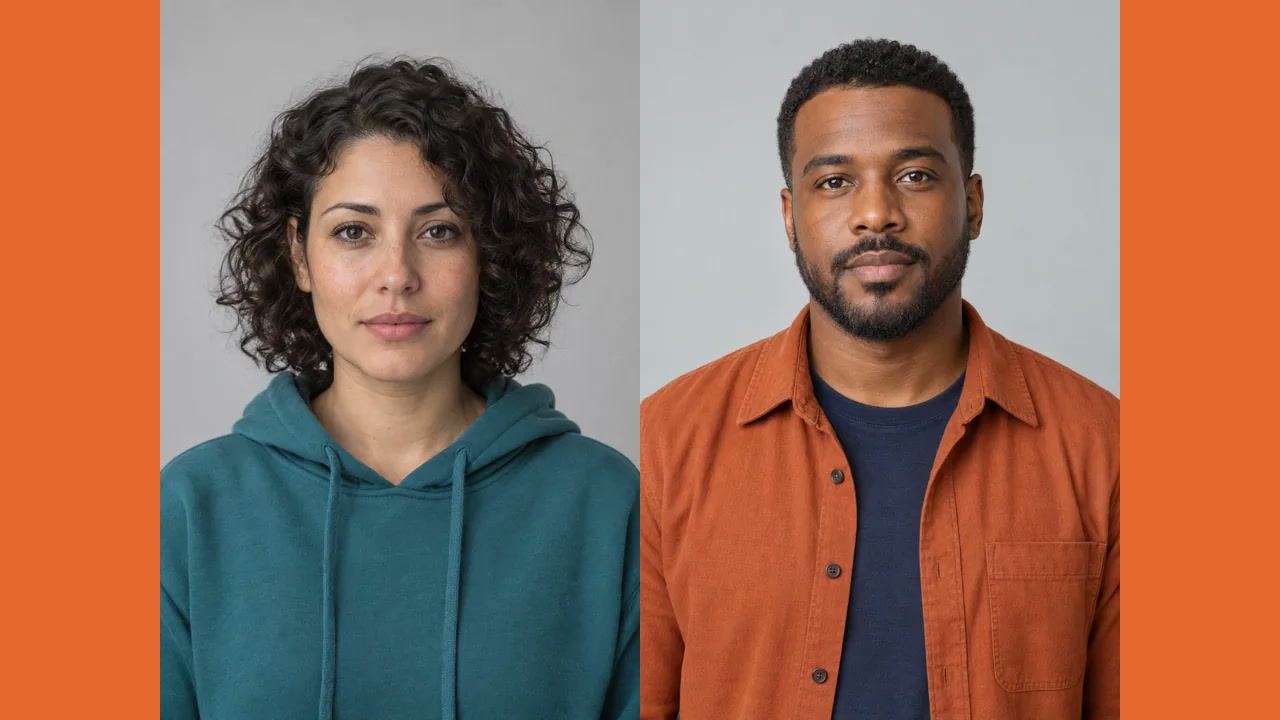
Select the intended pair
Use one subject in each separate photo, or a shared photo where both subjects are visible. Avoid group images that leave the intended pair unclear. Prefer even lighting and a clear view of the faces; heavy filters and face coverings make it harder to judge the source material.
Only use portraits you are authorized to use. Celebrities, babies and other minors are not supported. Selecting photos does not submit a task; submission occurs after you confirm the settings and displayed credit cost.
Describe one verse handoff
Assign the first subject to the left microphone and the second to the right. Ask the first to open with a short original verse, then have the second reply. Keep the camera steady and end with both in frame. This is a prompt-writing goal, not a guarantee of generated performance.
Separate the scene from the source recording
A description of an orange booth is not a license to redistribute a song or performance clip. The generator creates a new scene, and supported audio behavior depends on the selected model. Homepage references retain a credited original-source link and are not results from this site.
Read the photo tutorial, the character swap guide and the audio explanation. For prompt preparation, use the repair checklist.